Baka60

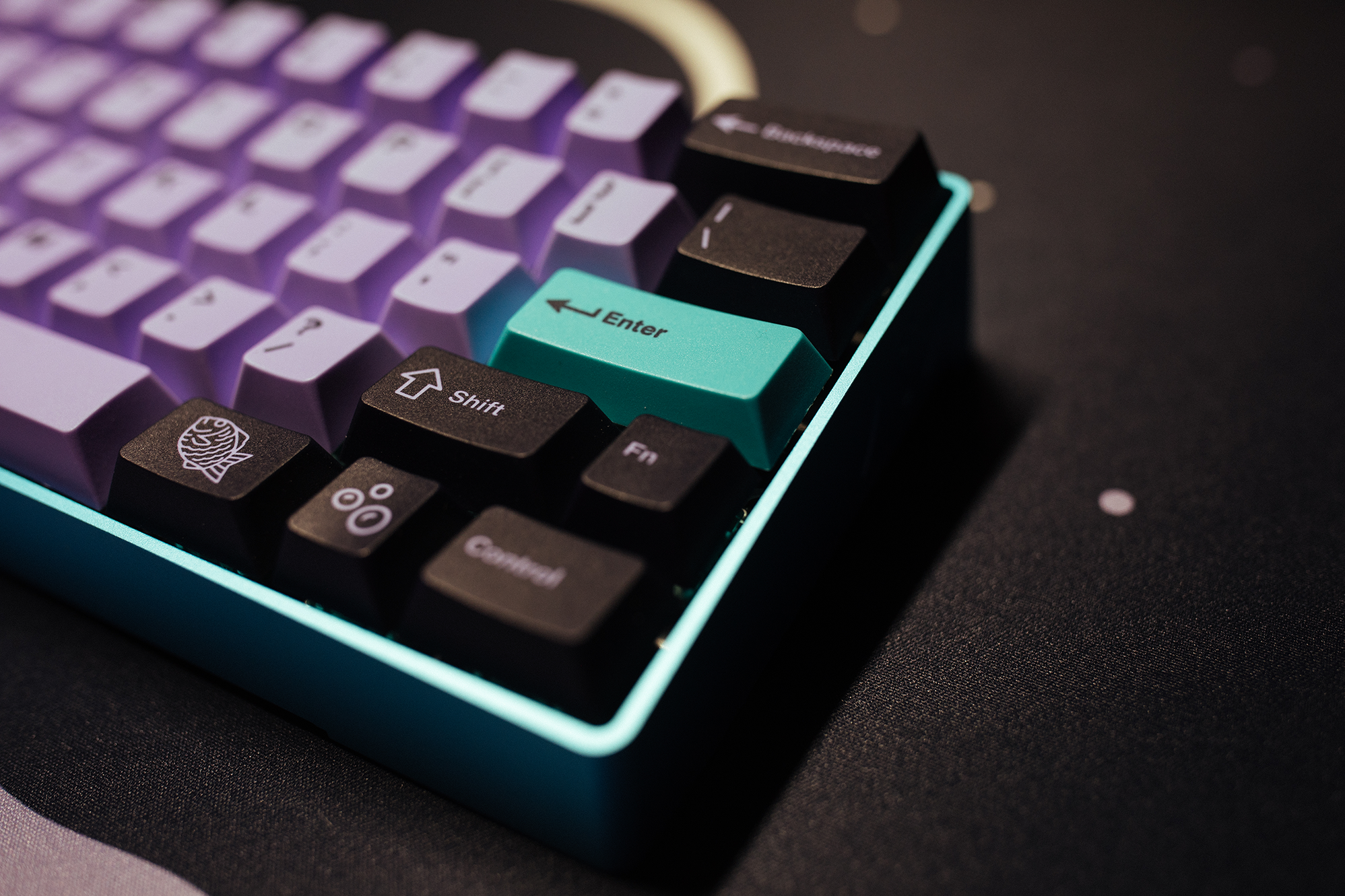
My Baka60 with PBT Taro

Baka60 (But Different) Review

When I started my keyboard journey I bought a Razer Blackwidow Chroma Tournament Edition. This keyboard was marketed towards gamers and had all the bells and whistles of a “gaming” keyboard. Poorly designed software. Loud, clicky keys. And of course, The RGBs! I soon found that I didn’t like it much as I had originally expected (even though I’ve owned Razer products in the past and was never really happy with them). I wasn’t a fan of how the board felt. The keycaps felt cheap. The matte finish on the case felt weird. The non-standard bottom row was hard to find after market keycaps for, something I had just then found out existed. It just wasn’t for me. I had also recently started browsing r/mk and was seeing all of the cool keyboards people were posting. I kept seeing Pok3rs all over the place and I thought that the (even) smaller layout was really interesting. I had no idea that 60% keyboards were even a thing. I mean, I had just found out that some keyboards didn’t have number pads! Well, it didn’t take me long to purchase a Pok3r for myself. I fell in love with it, even if it did have Cherry MX Blue switches. Fast forward maybe 6 or 7 months and I’m really interested in 60% keyboards. I started getting deeper and deeper into the hobby and the scene surrounding it. I made a few friends in the hobby. I discovered geekhack and group buys. I spent too much money on keycaps in a profile I thought I liked but turned out to hate. But I hadn’t built my own keyboard and I decided that it was time. I was so proud of the final build. I still have some photos of it on Instagram. This was probably six or so years ago and a lot has changed. I no longer have that fist build, and to be honest, I’m no sure I would even want it. I really had no idea what I was doing. I’ve built a lot of keyboards since then, and I mean, a lot. Many different sizes and styles. Different switches and stabilizers. I started to actually take the time to lube each switch instead of just trusting the factory lube. I decided I wanted to take all of this knowledge and build myself another 60% keyboard. ...
January 29, 2022 · updated July 4, 2022 · 7 min · Chance
ModeSixtyFive

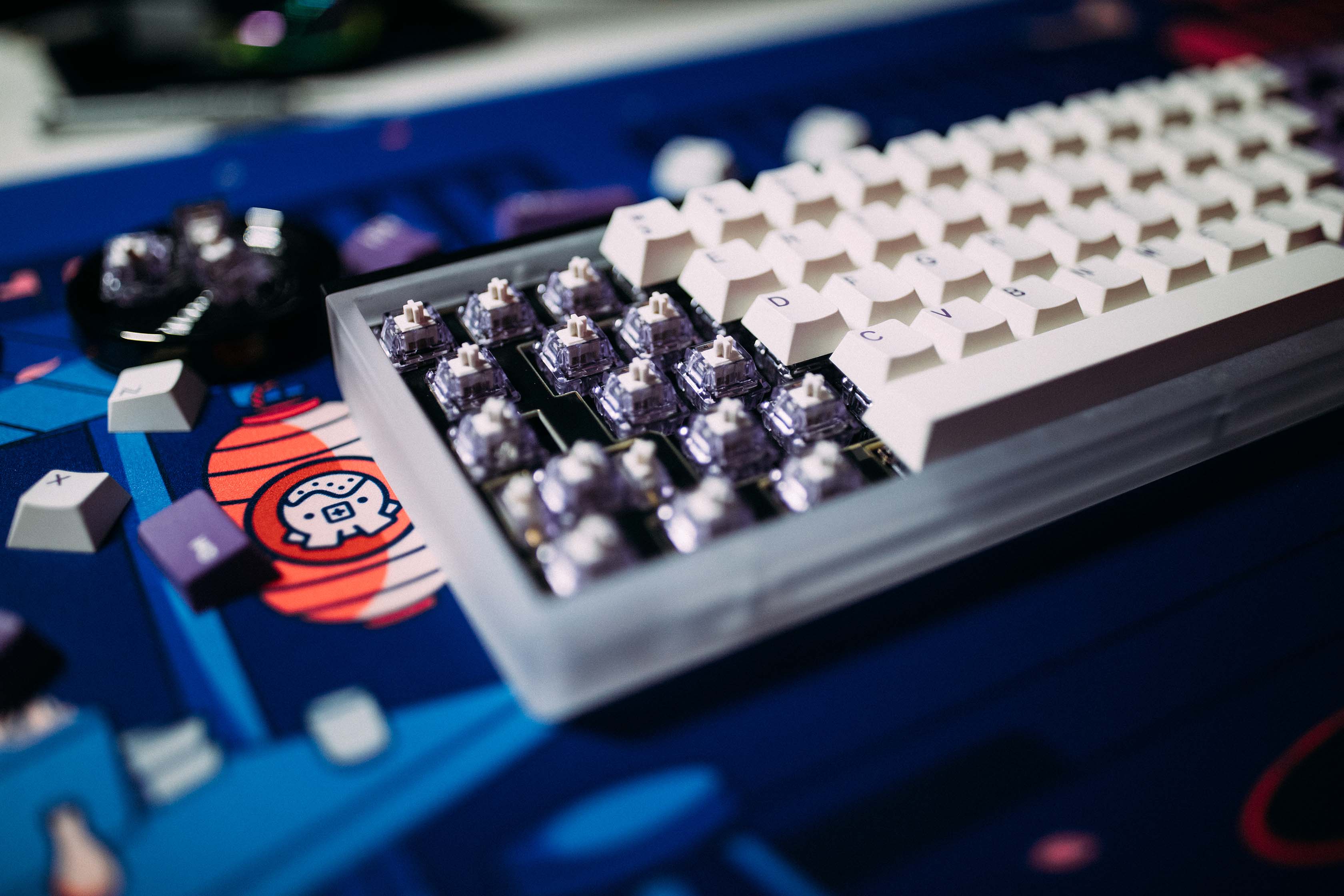
My ModeSixtyFive

ModeSixtyFive with Lavender's Review

The ModeSixtyFive is a keyboard that I was really excited for. I liked the clean look. I liked the customization. There were so many different options for colors, case materials, plates, mounting styles, etc. I really wanted to try this thing out. So I ordered one. Waited the three or so months for the first group buy to ship. I received while in the hospital and decided the build it the day I got home. ...

December 12, 2021 · updated October 8, 2026 · 4 min · Chance
My Mercutio

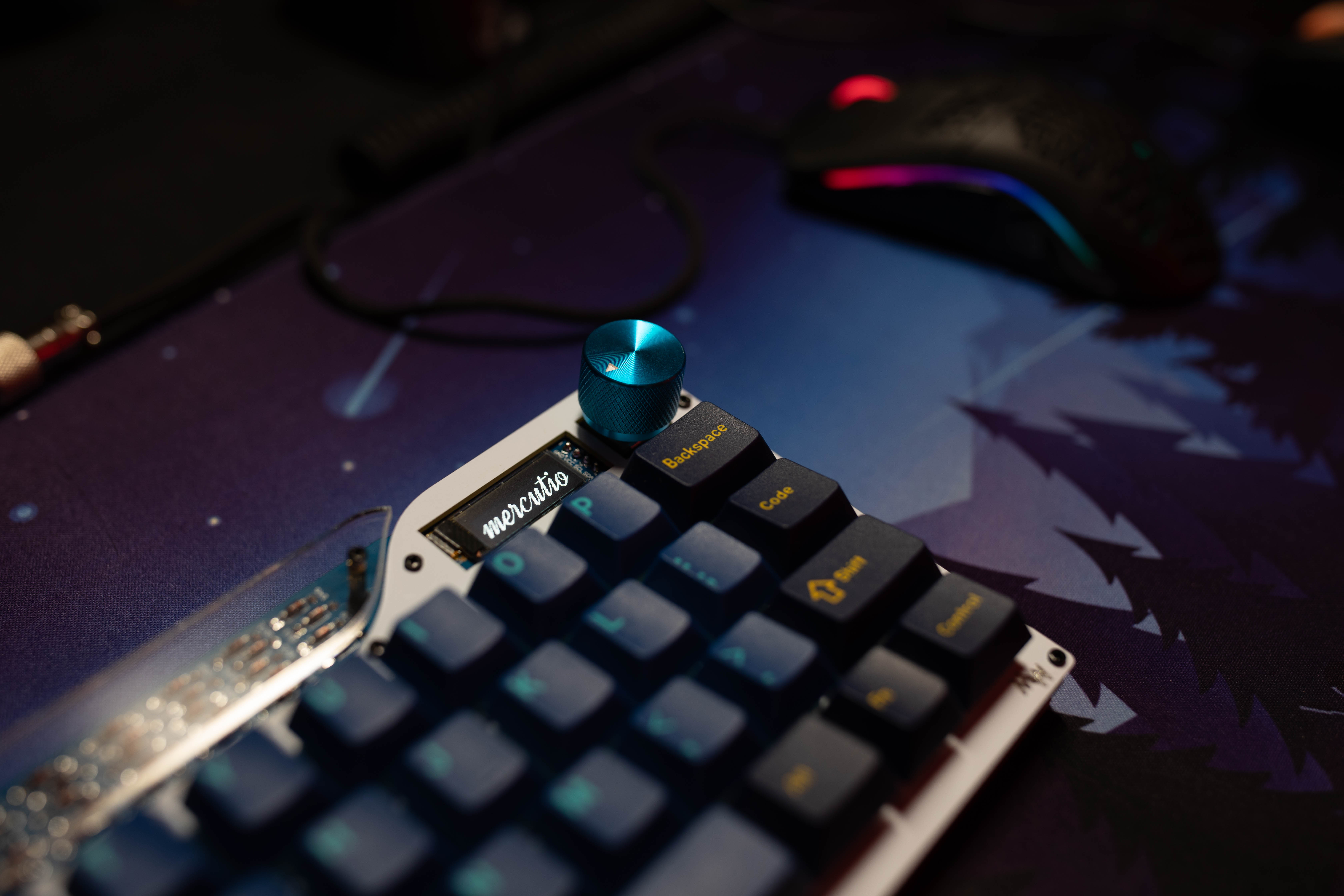
My Mercutio

Daily Driving a 40% Keyboard (or a MechWild Mercutio Review)

Recently I built a Mercutio keyboard. It’s a little through hole 40% keyboard. It’s pretty cute and I really like the way it looks. This isn’t my first 40% that I’ve built. The first one was a Planck but I could never get used to the “ortholinear” layout so it has mostly collected dust on my shelf. I’ve wanted to try a staggered 40% for a while now but I couldn’t justify the price for a lot of the kits. Then one day I got a Discord notification that the Mercutio was in stock. I think the group buy had extras or something, I don’t remember. I thought to myself, “eh, lets check it out.” and found out that the kit started at only $55. “Well, that’s reasonable!” I though so I purchased one. I also decided to order some 7305 MillMax Sockets to make it hot-swappable. Once it arrived, I got to building. ...

August 15, 2021 · updated October 8, 2026 · 8 min · Chance
VIA UI

Porting the Frosty Flake to Via

Porting the Frosty Flake to VIA So I want to preface this by saying that I am not a programmer. Not by any means. I am also not an electrical engeneer. I’m just a dude that really likes keyboards. Like, a lot. Okay, with that being said, let’s continue. For those that don’t know, the Frosty Flake is a custom PCB to control the CoolerMaster Quick Fire Rapid. I got mine from 1upkeyboards but as far as I know, they are no longer being produced. The Frosty Flake was designed to use the TMK Keyboard Firmware but was later ported to QMK. I’m not going to get into QMK in this post but it’s definitely worth looking into in your own time. ...

June 23, 2021 · updated October 8, 2026 · 10 min · Chance

Using ubports As My Daily Driver

Using ubports on my Nexus 6P as a daily driver. So I love tech. I love tech and the Open Source community. But I’m no developer so I have to do other things to help out and contribute. So one of the ways I’ve decided to do that is by testing software and in this case I’m testing ubports for my old Nexus 6P. I’ve been using different versions of Android for the past 9 or so years and over all I’ve been really happy but I’ve always liked the idea of different operating systems. As far as phones are concerned there are really only two main mobile operating systems, Apple’s iOS (or whatever they are calling it now) and Android. Now a lot of OEM’s customize their version of Android with features but it all remains the same AOSP (Android Open Source Project) base. ...

October 8, 2020 · updated October 8, 2026 · 6 min · Chance

Why I Believe Everyone Should Use 2FA

I never really figured out what I wanted to do with this blog, but I have decided that it’s going to be a place for me to write about whatever I feel is important to me at the moment. If you haven’t figured it out yet, I really value privacy and security. I believe that it is a basic human right and everyone should take it seriously. I’ve already written a post about the password manager that I use so I figured I’d kind of build on to that subject with which 2FA app I used and why. I’ll also explain what 2FA is and why it’s important. ...

August 26, 2020 · updated October 8, 2026 · 7 min · Chance

Keeping Track of Tasks with Todo.txt

I am not a very organized person. I forget things all the time – just ask my wife. But I’m trying to get better at it. So I decided I was going to start keeping track of tasks. Now, I’m not one to carry around a pad of paper and a pen to write everything down so I don’t forget it. For God’s sake, it’s 2020, who carries around a pad of paper anymore? No, we all have smart phones these days and smart phones are great for taking notes and things like that. In the past I have used apps like Wunderlist, Any.do, and TickTick. These services are really good at what they do, with the exception of Wunderlist that was bought and killed my Micro$oft. They are awesome for syncing todo/grocery lists with other people, but they all have one thing that I’m not a huge fan of. They all require you to create an account to use. This used to not bother me in the past. But I’m become more and more aware of how much data companies like Microsoft, or Google, or whoever, are collecting on me. It’s honestly frightening but that’s not what this entry is about. Basically, I wanted to be in control of my data. I know that I might be “overreacting” when it comes to some random company knowing what I need to do around the house, or what I need to buy at the store, but it’s important to me. It’s my “private” life and I want to keep it as private as I can and that brings us to Todo.txt. ...

March 8, 2020 · updated October 8, 2026 · 5 min · Chance

My Custom Keyboard Layout - Tada68

First off, HAPPY NEW YEAR! Anyway, I’m a keyboard nerd. Everyone who knows me already knows this. I mean, I have an r/MechanicalKeyboards sticker on my car! I’ve built around 8 or 9 keyboards on my own. It’s a hobby I never really saw myself getting into, but when I did, I got into it hard. I currently have 12 keyboards and countless key cap sets. One of the things that really drew me to building custom keyboards was the ability to program custom layouts using the QMK Frimware. I liked the thought of having full control over what each and every key did when I pressed it or held it or double tapped it or whatever. Over the past few years I’ve messed around with a few different layouts until I finally settled on one that I liked1 So I’ll share that one with you now! ...

January 1, 2020 · updated October 8, 2026 · 6 min · Chance

My Password Manager - gopass Pt. II

Okay. So in my last post I completely neglected to talk about the features of gopass and what really made me choose it. I can’t believe I just forgot to talk about what the post was supposed to be about. Derp. So I’m going to make that up with this post. Why I use gopass In the last post I really only talked about the fact that I didn’t like some company potentially having access to my data. While that is the main reason I decided to switch from Bitwarden, it’s not the only reason. I like the simplicity of being able to quickly find and copy my passwords from the command line. Now, I don’t do that too often because I use the browser extensions, it’s still quick and handy when I need it. ...

December 10, 2019 · updated October 8, 2026 · 6 min · Chance

My Password Manager - gopass

In our digital lives we create a lot of accounts – and with these accounts come a lot of passwords. If you are like me, then you want to keep these accounts safe. I used to be the kind of person that used one password for every single account. I didn’t know any better. I didn’t know how terrible of a place the internet could be. When I was younger I didn’t really have anything on the internet that was of value to anyone else. But then I started making my own money. And with my own money came my own debit card. And with my own debit card came making purchases online. ...

November 30, 2019 · updated October 8, 2026 · 6 min · Chance